Meesho Seller Kaise Bane — Ghar Se Business Shuru Karo
Meesho India ka sabse bada reselling platform hai — laakhon sellers iske through ghar se hi products bechte hain. Agar aap bhi Meesho pe seller banana chahte hain, toh yeh step-by-step guide aapke liye hai.
Meesho Pe Seller Banne Ke Liye Kya Chahiye?
- Mobile number (OTP ke liye)
- Email address
- GSTIN (agar aap GST registered hain — small sellers ke liye optional shuru mein)
- Bank account details (payment ke liye)
- Products jo aap bechna chahte hain
Meesho Seller Registration — Step by Step
Step 1: Supplier Panel Pe Jaao supplier.meesho.com pe jao ya Meesho Supplier App download karo Play Store se.
Step 2: “Start Selling” Pe Click Karo Apna mobile number enter karo aur OTP verify karo.
Step 3: Business Details Bharo Business name, category, aur GSTIN (agar hai) enter karo.
Step 4: Bank Account Add Karo Payment receive karne ke liye bank details add karo — naam, account number, IFSC code.
Step 5: Pehla Product List Karo Photos, description, aur price set karo. Meesho khud delivery handle karta hai — aapko sirf product pack karna hai.
Pehla Order Aane Ke Baad Kya Karein?
Jab pehla order aaye:
- Supplier Panel mein notification aayega
- Order confirm karo
- Product pack karo
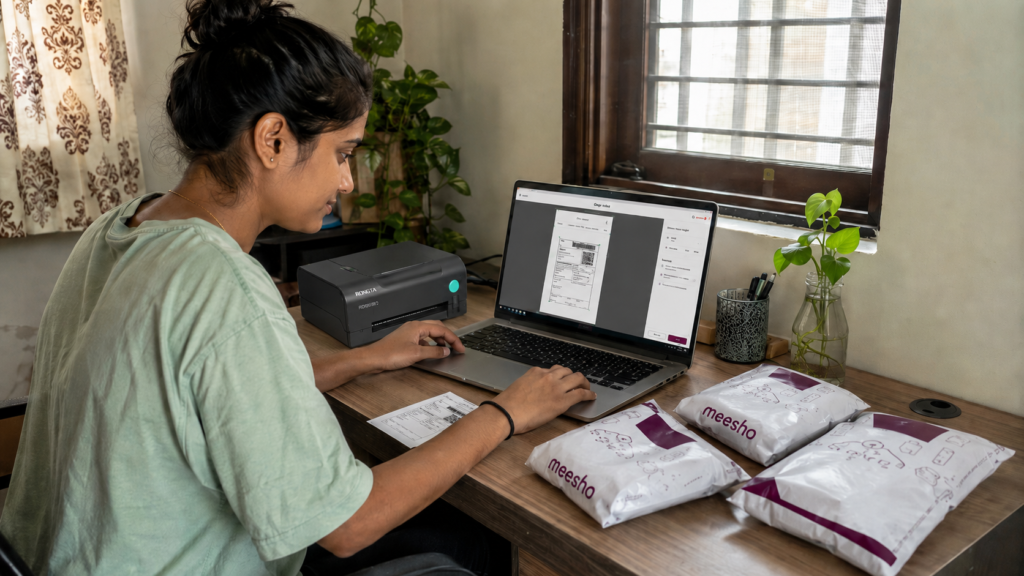
- Shipping label print karo — Supplier Panel se PDF download karo
- Label print karke packet pe lagao
- Meesho ka delivery partner pickup lene aayega
Tip: Shipping label PDF crop karna mat bhoolna — directly print karne par size galat ho sakta hai. Hamare Meesho Label Crop Tool se 1 click mein crop ho jaata hai.
Aksar Pooche Jaane Wale Sawaal
Q: Kya Meesho pe bina GST ke sell kar sakte hain? A: Haan, kuch categories mein GST ke bina bhi sell ho sakta hai — registration ke time yeh choose kar sakte hain.
Q: Meesho pe commission kitna lagta hai? A: Yeh category pe depend karta hai — usually 15-20% hota hai, Meesho delivery cost bhi cover karta hai.
Q: Payment kab milti hai? A: Order deliver hone ke 7-15 din ke andar bank account mein payment aa jaati hai.